How to Secure Your Digital Documents: A Complete Guide to PDF Encryption
Jeel Patel
Editorial Team
At a Glance
Learn the essentials of digital document security. This guide covers PDF encryption standards, password best practices, and how to protect sensitive information from unauthorized access.
In an era where data breaches make headlines daily, PDF security isn't just IT jargon—it's a necessity for everyone. Whether you're sending a freelance invoice with your bank details or sharing a family legal document, the way you secure your file matters.
The Real Risk of Unsecured PDFs
We often think of PDFs as "final" documents that can't be changed. This is a dangerous myth. Without encryption, a standard PDF is as open as a Word document. Anyone with a free editor can:
- Copy your text and claim it as their own.
- Extract high-resolution images you paid for.
- Alter financial figures before forwarding the document.
- See sensitive metadata (author name, creation software, edit history).
The "Hidden Content" Trap
A common mistake is using the "black highlighter" tool in standard PDF readers to cover up sensitive text (like social security numbers). This does not work. The text is still underneath the black box and can be revealed by simply searching for it or copying the text. To truly secure data, you need proper encryption or true redaction tools.
The Anatomy of Modern PDF Security
PDF security isn't a one-size-fits-all toggle. It's a spectrum of protections that you can tailor to your specific needs. Understanding these layers helps you apply the right amount of security without making your document impossible to use.
1. The "Open" Password
Think of this as the front door key. Without it, the file is nothing but scrambled digital noise. This is essential for:
- Financial statements
- Medical records (HIPAA compliance)
- Employee contracts
2. The "Permissions" Lock
This is like putting the document behind a glass case. People can look, but they can't touch. You can selectively disable:
- Printing (perfect for ebooks)
- Copy/Pasting text (prevents plagiarism)
- Form filling (locks the content)
Digital Signatures vs. Encryption
It's easy to confuse these two, but they serve different purposes. Encryption hides the content. Signatures prove the content hasn't changed.
When you digitally sign a PDF, you embed a cryptographic hash that "seals" the document. If anyone changes even a single comma after you sign it, the seal breaks, and the reader will be warned that the document has been tampered with. For legal contracts, you often want both: encryption for delivery security, and a signature for authenticity.
How to Secure Your Documents in 3 Steps
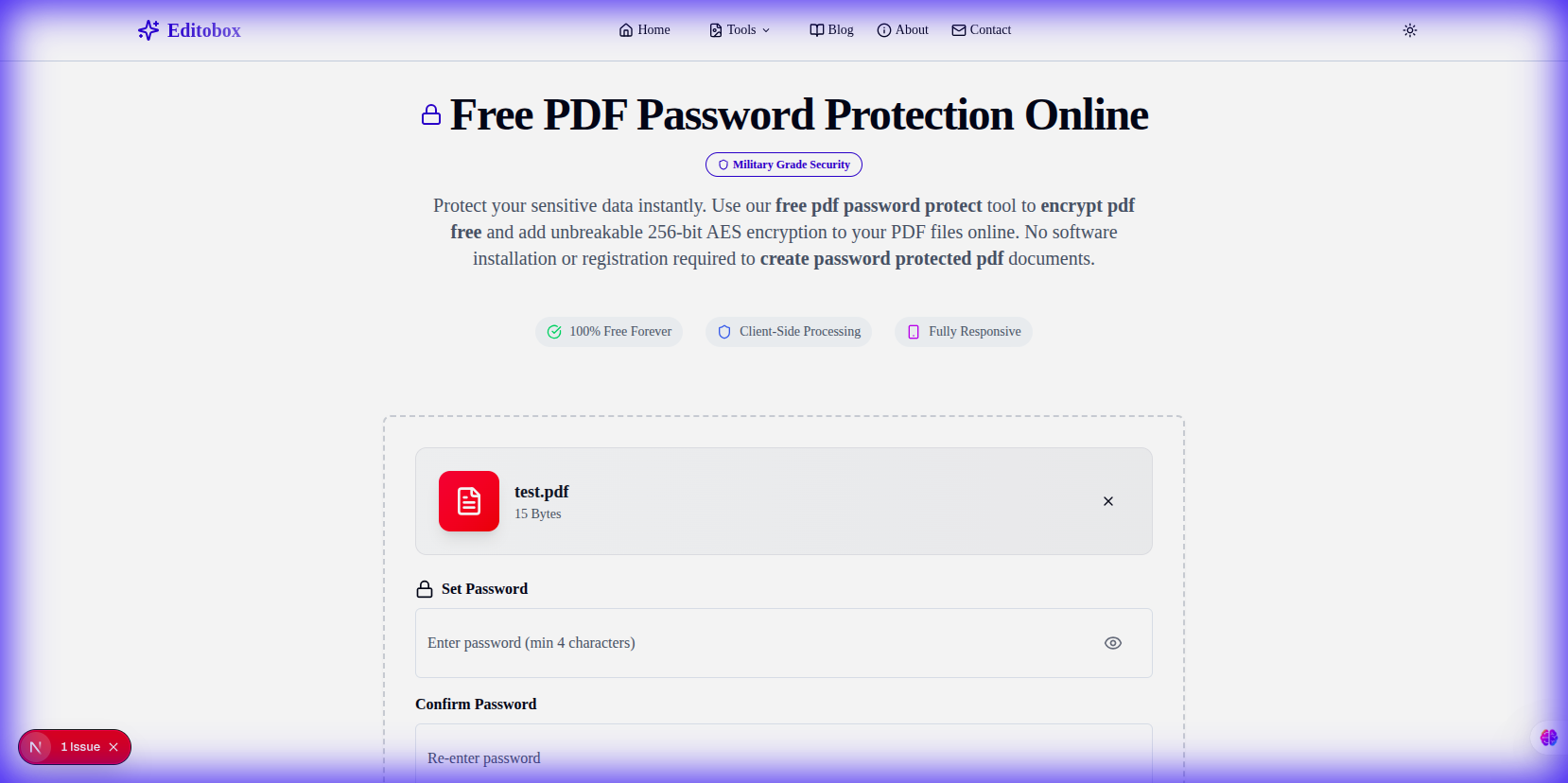
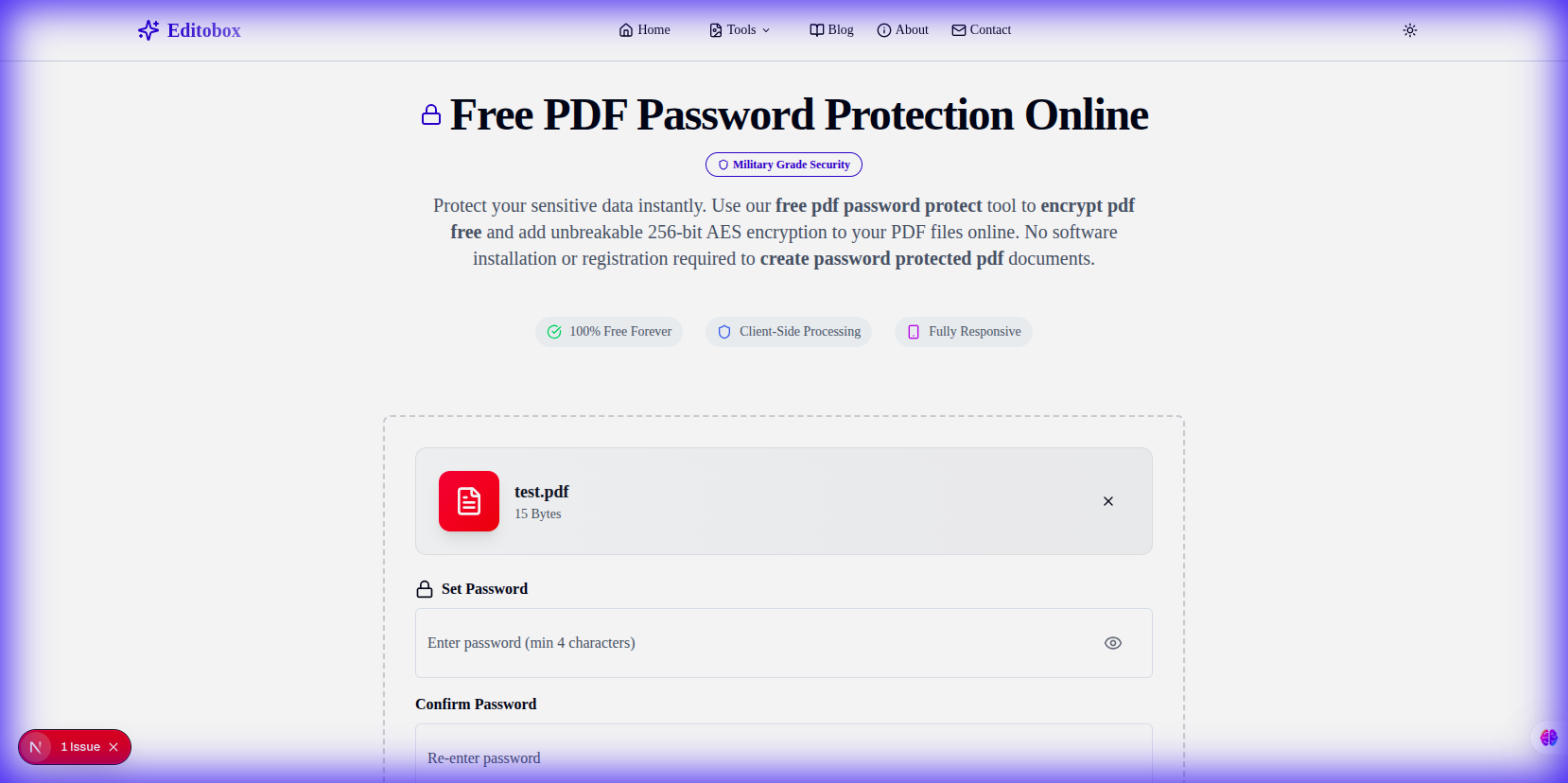
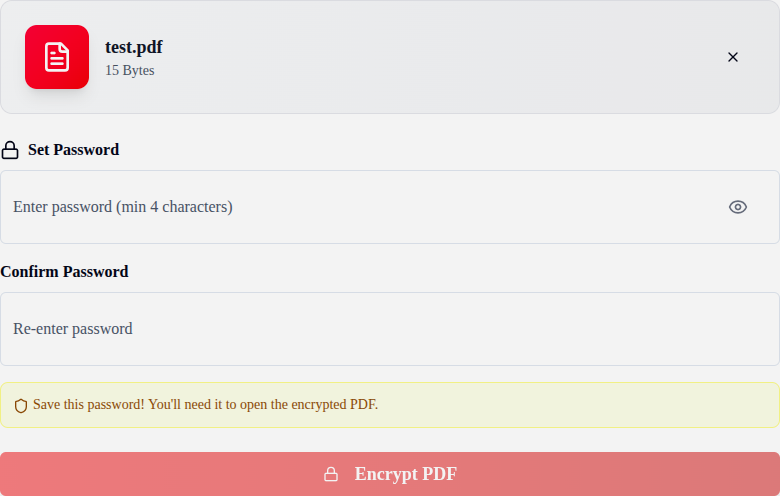
Editobox provides a seamless, private way to apply industrial-strength security to your files without them ever leaving your browser.
Upload PDF
Drag your confidential document into the tool. Total privacy.
Define Policy
Set a password and choose which permissions to restrict.
Secure File
Generate your file protected by AES-256 encryption headers.
AES-256: Why "Military Grade" Matters
You've probably heard the term "Military Grade Encryption" thrown around. In the context of PDFs, this specifically refers to AES-256 (Advanced Encryption Standard with a 256-bit key).
Older PDF encryption methods (like RC4) are now considered broken—a modern computer can crack them in minutes. AES-256 is different. It is the exact same standard approved by the US National Security Agency (NSA) for protecting Top Secret information.
Enterprise Security Policies: A Human Approach
Technology is only half the battle. The biggest security weakness is usually human error. Here are straightforward policies you should implement today:
1. The "Two-Channel" Rule
Never send the password in the same email as the file. If a hacker compromises your email, they get both. Send the file via email, and the password via a secure messaging app (Signal, WhatsApp) or just a simple SMS.
2. Passphrases > Passwords
Stop using complex nonsense like "P@ssw0rd1!". It's hard to remember and easy for computers to guess. Use a passphrase: 4 random words strung together. Example: Horse-Battery-Staple-Correct. It's mathematically stronger and easier for humans to type.
3. Least Privilege
Don't give everyone owner access. If a client just needs to review a draft, set the permissions to "View Only" and disable editing. This prevents accidental changes and version control nightmares.
Expert Tips for Secure Sharing
Use Passphrases, Not Passwords
A string of four random words like "blue-mountain-coffee-runner" is harder to crack than "P@ssw0rd1!".
Separate Delivery Channels
Share the encrypted file via email, but send the password via a secure chat app or SMS.
Audit Permissions
If a client only needs to read a contract, disable printing and editing in the security settings.
Conclusion
Securing your PDFs with AES-256 encryption is the single most effective way to protect your digital reputation and privacy. By combining industrial-strength tools with secure sharing habits, you can collaborate with confidence in any digital environment.
Secure your first document now
Try our private, browser-based encryption tool today and experience bank-grade security without the complexity.
Protect Your PDFJeel Patel
Security & Privacy Specialist
Jeel specializes in digital security and privacy at Editobox, focusing on document protection and data privacy best practices.
Think this guide could help someone else?
Spread the knowledge. Sharing takes seconds and helps us keep our tools free forever.